


There's a shift happening in online advertising that most small business owners haven't noticed yet. The tracking tools that Google Ads has relied on for years, third-party cookies, cross-site tracking pixels, anonymous browsing data, are losing ground. Not all at once. Not overnight. But steadily. Chrome now gives users clearer controls over cookie tracking. Safari and Firefox blocked third-party cookies years ago. Ad blockers are on more devices than ever.
The bottom line is that the data Google Ads used to get for free is disappearing, and the advertisers who replace it with their own data are the ones who'll keep getting results. The ones who don't are going to watch their paid search campaigns get more expensive and less effective, and they won't understand why.
That replacement data is called first-party data. If you're running Google Ads, understanding what it is and how to use it is no longer optional.
What is first-party data (in plain english)?

First-party data is information you collect directly from your customers and prospects through your own channels. That's it.
Here's what that looks like in practice: email addresses from form submissions and newsletter signups. Phone numbers from contact forms and sales calls. Mailing addresses from orders. CRM records showing who bought what, when, and how often. Website behavior from GA4, like which pages people visit, how long they stay, and whether they convert.
You already have most of this. It's in your CRM, your email platform, your Google Analytics account, your point of sale system. The difference is that this data used to be a bonus layer on top of cookie-based tracking. Now it's the main thing. Google Ads targeting and bid optimization increasingly depend on data that you provide, not data that Google collects passively through browser cookies.
Why this matters right now
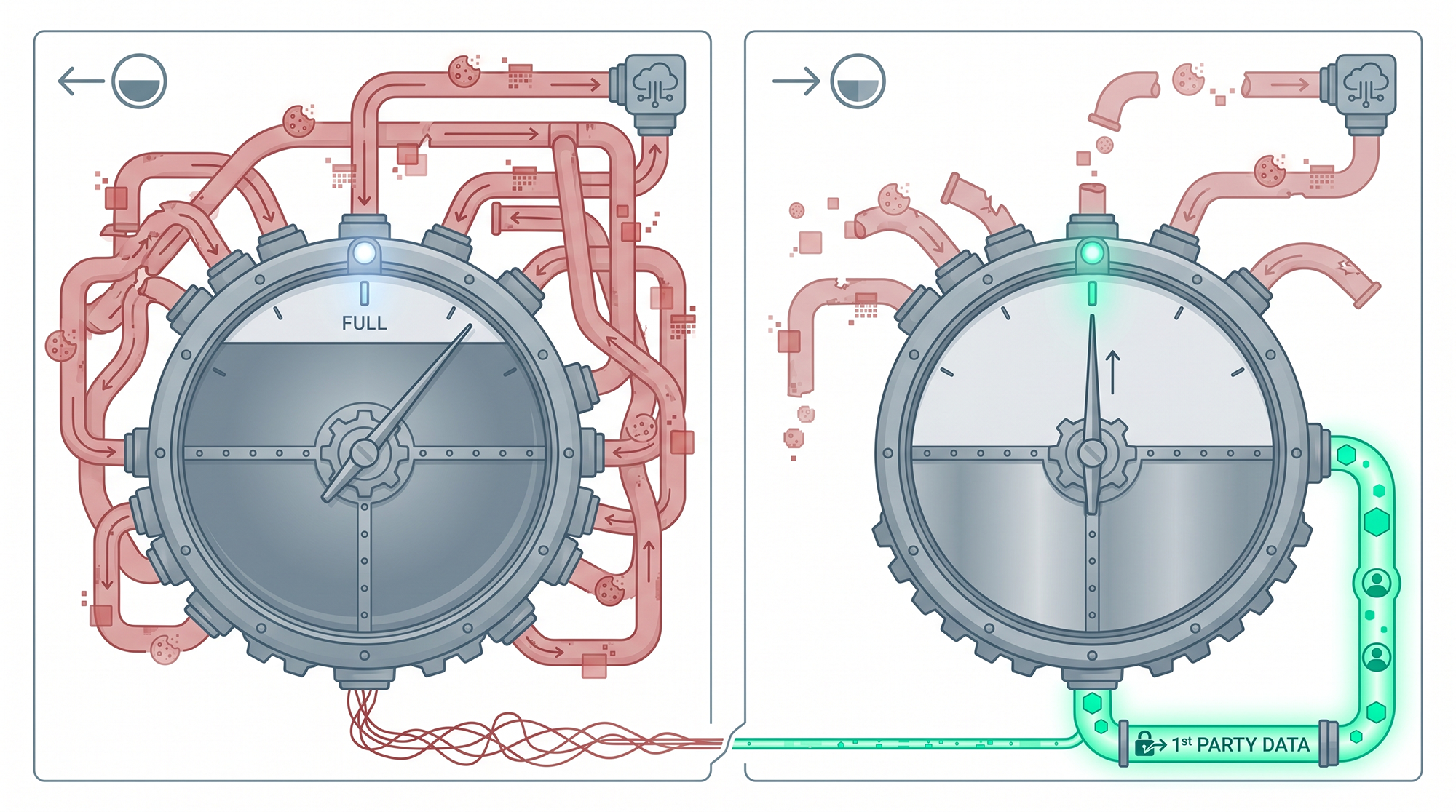
Here's what's actually changing, specifically for Google Ads advertisers:
Smart Bidding is losing signal. Automated bid strategies like Target CPA and Maximize Conversions learn from conversion data to decide how much to bid on each click. As cookie tracking degrades, those strategies have less information to work with. Less information, worse predictions. Worse predictions, higher costs. First-party data fills that gap because Google can trust verified conversion signals from your business in a way it can't trust a half-broken cookie.
Your retargeting audiences are getting smaller. The "people who visited your site in the last 30 days" audience used to build itself automatically. That's changing because more visitors are invisible to cookie tracking. GA4 audiences still work (we've written about how to use them), but Customer Match audiences built from your own email lists don't care about cookies at all. They work regardless of browser or privacy settings.
Attribution is harder to pin down. When cookies get blocked, Google can't always connect an ad click to a conversion. Reports undercount results. Smart Bidding gets confused. You start making budget decisions on incomplete numbers. Tools like Enhanced Conversions and offline conversion imports give Google a more direct path between your ad clicks and your actual sales, one that doesn't break when a browser blocks a cookie.
Google's guidelines on offline conversion imports show that advertisers who include first-party data alongside click identifiers see a median 10% increase in measured conversions compared to standard imports. That's not theoretical. It shows up in your reports and your bidding performance.
The three first-party data tools worth knowing about
You don't need a data team to do this. Google has built tools specifically for small and mid-size businesses to connect their own data to the ad platform. Here's what each one does.
Customer Match
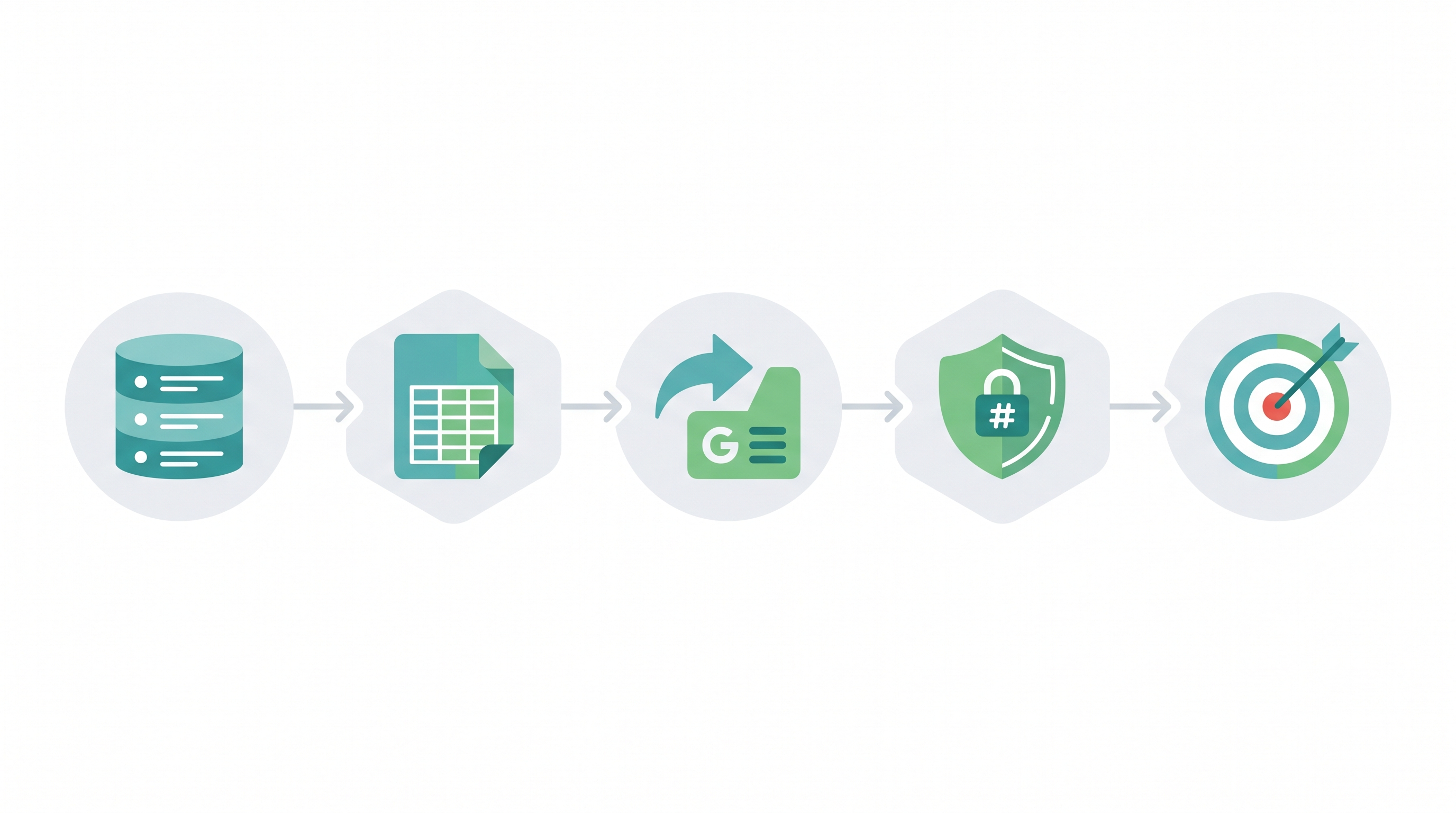
Customer Match lets you upload a customer list, email addresses, phone numbers, mailing addresses, directly to Google Ads. Google hashes (encrypts) that data and matches it against logged-in Google users. When there's a match, you can target those people with ads, build lookalike audiences from them, or exclude them from campaigns.
Most small businesses have never touched this, which is a waste because the use cases are straightforward.
Say you run a service business. You can build a campaign specifically for past clients, pushing annual renewals or referral offers, instead of mixing them into the same campaigns as cold prospects. You can also exclude your entire customer list from lead gen so you stop paying to acquire people who already hired you. And Google can look at the patterns in your customer data and use those signals to find similar people through Smart Bidding and Performance Max.
The requirements aren't crazy. You need at least 1,000 records for matching, the data needs to be formatted correctly (Google provides templates), and your account needs a clean policy history. Google recently expanded Customer Match access to almost all advertisers, so if you were locked out before, check again.
Enhanced Conversions
Enhanced Conversions takes information your website already collects at the point of conversion, like the email address someone types into a contact form, and sends a hashed version to Google alongside your conversion tag. That gives Google a second way to verify a conversion happened, even if the user's cookies were blocked.
We've covered the full Enhanced Conversions setup in a separate post. The short version: it recovers conversions your standard tracking misses. For most businesses, that's 5 to 15% more conversions showing up in reports, which gives Smart Bidding better data to work with.
If you're only going to implement one thing from this article, make it this one. Setup is straightforward and the impact is almost immediate.
Offline conversion imports
This matters most for service businesses and B2B companies where the real conversion, a signed contract, a closed deal, a qualified appointment, happens after the website interaction, not during it.
The problem is simple: Google Ads can see that someone clicked your ad and submitted a form. It cannot see that the form submission turned into a $15,000 contract three weeks later. As far as Google is concerned, every form fill has the same value. So Smart Bidding treats a junk lead the same as your best customer.
Offline conversion imports let you send actual sales outcomes back to Google Ads. You upload data that connects a Google click ID to a real business result. "This person became a paying customer" or "this lead was worth $15,000." Now Smart Bidding knows which types of clicks generate revenue, and it bids accordingly.
Google recently upgraded the infrastructure behind offline imports. Better attribution accuracy, more flexible uploads across accounts, and fewer common errors that used to make the process frustrating. If you tried this a couple years ago and gave up, it's worth another look.
Where to start (a practical 90-day plan)

If you're spending $3,000 to $15,000 a month on Google Ads, here's what we typically recommend:
Month 1: Enhanced Conversions. Lowest effort, fastest payoff. If your website has forms that collect email addresses (contact forms, quote requests, signups), a developer or agency can set this up in a day. Your conversion tracking gets more accurate right away, and Smart Bidding starts working with better data.
Month 2: Customer Match. Export your customer and lead lists from your CRM or email platform. Upload them to Google Ads. Exclude existing customers from lead gen. Target past customers with re-engagement messaging. This takes a couple hours and pays off continuously.
Month 3: Offline conversion imports. More coordination required because you need to capture Google click IDs in your CRM when leads come in, then upload outcomes when deals close. But the payoff is significant for businesses where lead quality varies. You stop optimizing for form fills and start optimizing for revenue.
Each step builds on the one before it. Better data feeds better targeting, and better targeting feeds smarter optimization. Stack all three, and you're giving Google Ads a level of signal that most of your competitors simply aren't.
What happens if you skip all this?
Advertisers who stick with default settings and cookie-dependent tracking are going to see costs climb, targeting get sloppier, and reporting get less reliable over the next year or so. It won't happen all at once. It'll be the kind of slow decline where you don't notice until you pull up last year's numbers and wonder what went wrong.
Smart Bidding with incomplete data makes worse decisions. Smaller retargeting audiences mean less efficient remarketing. And without offline conversion data, you're optimizing for clicks and form fills instead of the outcomes that actually matter to your business.
The businesses that build their first-party data infrastructure now are the ones who won't be scrambling to figure it out in 2027.
Where does this leave you?
First-party data isn't a trend. It's the direction Google Ads has been moving for years. Every product update and API change makes it more obvious that the platform is built for advertisers who bring their own data.
If you're a small business, that's not bad news. You don't need an enterprise data warehouse or a team of analysts. You need a CRM that's reasonably organized, a GA4 property that's set up right, and someone who knows how to wire it all into your Google Ads account.
If you want help getting started, or if your campaigns have been getting more expensive and you can't figure out why, schedule a free consultation with our team. We'll look at what you have, figure out which first-party data tools will have the biggest impact for your business, and put together a plan to get you there.
