


"How much should I be spending per month on Google Ads to get results?"
We hear this question constantly. Business owners call us frustrated because they've been running paid search ads for months with minimal results, or they're scared to increase their budget because they don't know if it will work.
Here's the uncomfortable truth: if you're asking this question, your current budget is probably wrong. Not because you chose poorly, but because most businesses approach Google Ads budgeting backwards—they start with what they want to spend instead of what they need to spend to get results.
Your budget isn't just a number you pick. It's the difference between your ads working and your ads failing. Get it wrong, and you're essentially burning money while your competitors capture the customers you should be getting.
Why Your Current Budget Probably Isn't Working
Think about your Google Ads account like hiring an employee. You wouldn't hire someone, give them incomplete information and inadequate resources, then expect them to excel at their job. But that's exactly what most businesses do with their ad campaigns.
Google's algorithm needs data to optimize your campaigns effectively. You’ll hear a lot of varying opinions, but at Verde Media, we recommend that a campaign should be able to generate at least 50 conversions per month to produce consistent and reliable results.. If your budget is too small to generate this conversion volume, you're asking the system to make decisions with incomplete information.
Studies show that campaigns receiving fewer than 50 conversions per month never fully optimize. They're stuck in permanent learning mode, showing your ads to the wrong people at the wrong times.
Meanwhile, your competitors with properly funded campaigns are getting better results, lower costs, and more customers—not because they're smarter, but because their budgets allow the system to actually work.
How Do I Set a Starting Budget For Google Ads?
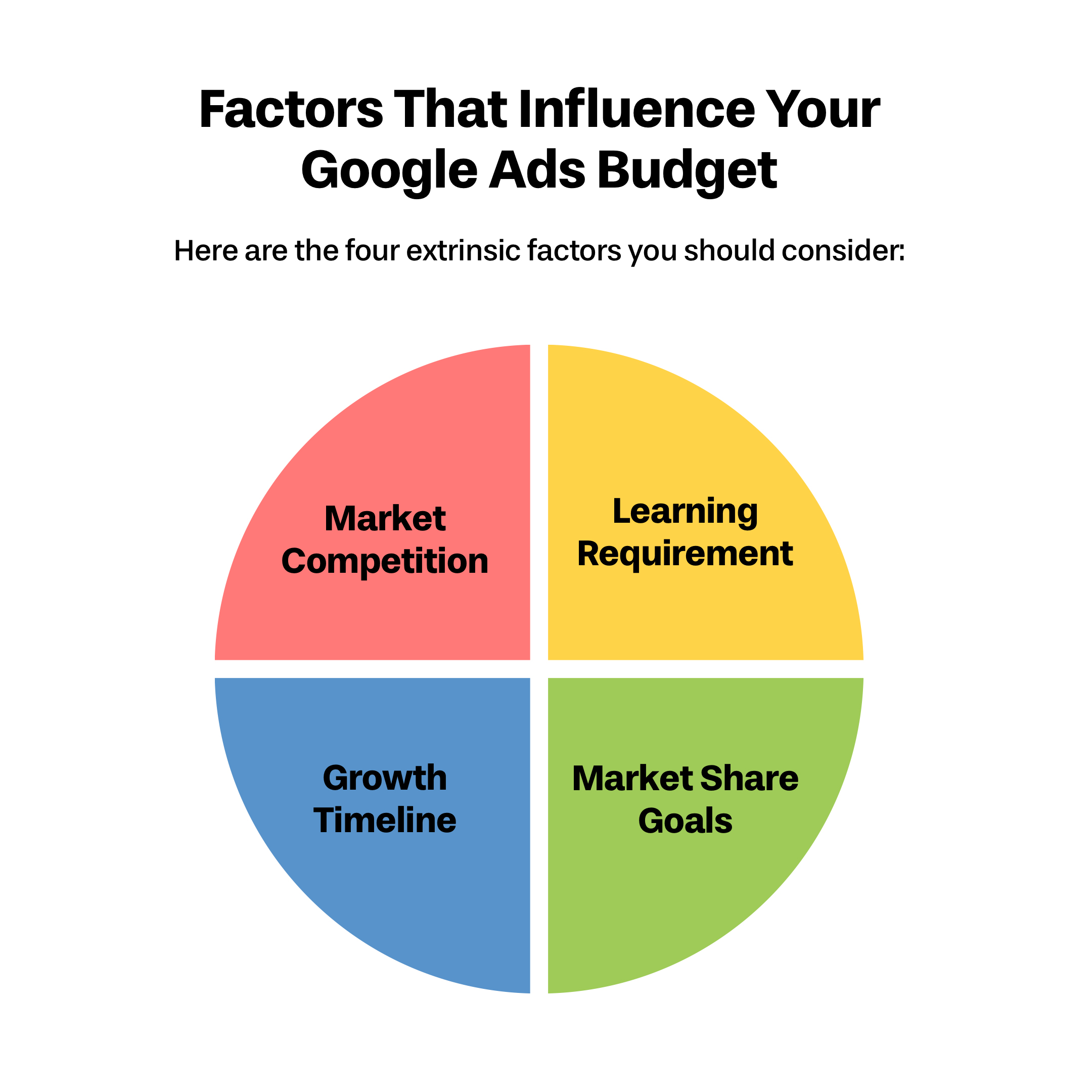
Factor 1: Your Market Competition Level
Your industry's competitiveness directly impacts how much you need to spend to see results. This isn't negotiable—it's market reality.
High Competition Industries (Legal, Insurance, Finance, Home Services): These markets often require $3,000-$10,000+ monthly budgets to compete effectively. Running a $500 monthly budget in personal injury law is like bringing a water gun to a firefight.
Medium Competition Industries (E-commerce, B2B Professional Services, Healthcare): Typically need $1,000-$5,000 monthly to gain meaningful traction.
Lower Competition Industries (Niche B2B, Specialized Local Services): May see results with $500-$2,000 monthly budgets.
Quick Competition Check: Search for your main service keywords right now. If you consistently see 3-4 ads above the organic results, you're in a highly competitive market. Your budget needs to reflect this reality.
Factor 2: The Algorithm Learning Requirement
Here's the math that determines your baseline budget:
Take your current average cost per conversion and multiply by 50. That's your minimum monthly budget for the algorithm to optimize effectively.
Example: If your average cost per lead is $75, you need at least $1,500 monthly ($75 × 20 conversions) for the system to learn and optimize properly.
The catch: If you don't know your current cost per conversion, your tracking is probably broken—which means your budget optimization is built on bad data. Fix your conversion tracking first, then calculate your budget.
Factor 3: Your Business Growth Timeline
Your budget should match your business objectives and urgency:
Testing New Markets: Use 2-3x your calculated minimum for the first 90 days. This front-loaded approach helps the algorithm learn faster and gives you reliable data sooner.
Steady Growth Mode: Once campaigns are optimized (after 90+ days), you can often maintain performance at your calculated minimum budget.
Aggressive Expansion: If you're scaling quickly or entering new markets, plan for 3-5x your minimum to capture maximum opportunity.
Factor 4: Market Share Goals
Consider what percentage of available searches you want to capture:
- Market Testing: 10-20% impression share (conservative budget)
- Competitive Presence: 30-50% impression share (moderate budget)
- Market Dominance: 60%+ impression share (premium budget)
Most successful businesses aim for 40-60% impression share in their core service areas. Less than 30% means you're essentially invisible during peak demand periods.
Calculate Your Actual Required Budget
Use this framework to determine what you should be spending:
Step 1: Find Your Baseline Number
To find your baseline number, take your average cost per conversion and multiply it by 50.
If you don't know your cost per conversion: Look in your Google Ads account under Campaigns → Conversions. If this shows zero or unrealistic numbers, your conversion tracking is broken and needs to be fixed before you adjust any budgets.
Step 2: Apply Your Competition Multiplier
- Lower competition: Use baseline calculation
- Medium competition: Add 25% to baseline
- High competition: Add 50-100% to baseline
Step 3: Factor in Your Growth Goals
- Market testing: Use adjusted baseline
- Steady growth: Add 25-50% to adjusted baseline
- Aggressive growth: Add 75-150% to adjusted baseline
Your Target Monthly Budget = Baseline × Competition Multiplier × Growth Factor
The Smart Budget Scaling Strategy
If your target budget is significantly higher than what you're spending now, don't jump to the full amount immediately. Here's another approach to scaling your budget:
- Months 1-2: Increase budget by 25-50% from current spend
Months 3-4: If ROI remains positive, increase another 25-50%
Months 5-6: Reach target budget if performance metrics support it
Critical metrics to monitor during scaling:
- Cost per conversion (should stabilize or improve as budget increases)
- Conversion volume (should increase proportionally with budget)
- ROAS (if you’re an eCommerce company)
- Search impression share (should increase toward your target percentage)
- Time-of-day performance (ads should show during peak hours, not just midnight)
Give It a Try With Our Online Calculator
Red Flags: When Your Budget Is Definitely Wrong
Watch for these warning signs that indicate serious budget problems:
- Budget Limitations: Your campaigns consistently show "Limited by budget" status in Google Ads. This means you're missing potential customers daily.
- Off-Peak Performance: Your ads only show during low-traffic hours (late night, early morning) because your budget runs out during peak times.
- Conversion Plateau: You've been stuck at the same low conversion volume (5-15 per month) for several months despite optimization efforts.
- High Impression Share Loss: You're losing 50%+ of potential impressions due to budget constraints, according to your Search Impression Share metrics.
If you're seeing any of these signs, your budget is the bottleneck preventing results—not your ads, keywords, or targeting.
The Real Cost of Underfunding Your Campaigns
Every month you run underfunded campaigns, you're not just missing potential customers—you're training Google's algorithm incorrectly. The system learns that your business isn't competitive in your market, making it harder and more expensive to get results later.
Competitive Intelligence: Your competitors with properly funded campaigns are capturing market share, building brand recognition, and establishing themselves as category leaders while you're invisible during peak search times.
Customer Lifetime Value Impact: If your average customer is worth $2,000 over their lifetime, missing just 10 potential customers monthly due to budget limitations costs you $20,000 in lost revenue. Suddenly, increasing your ad budget from $1,000 to $3,000 monthly looks like a bargain.
Making the Investment Decision
Stop thinking about Google Ads as an expense and start treating it as business infrastructure. You wouldn't run a retail store with lights that only work half the time, yet many businesses run ad campaigns that only show during low-traffic periods due to budget constraints.
The reality check: If you can't afford the minimum budget required to compete in your market, you either need to:
- Choose less competitive keywords and market segments
- Improve your conversion rates and profit margins to support higher ad spending
- Accept that your competitors will capture the high-intent customers while you compete for scraps
Taking Action: Your Next Steps
- Calculate your minimum viable budget using the framework above
- Audit your current performance to understand your real cost per conversion
- Identify your budget gap between current spend and required spend
- Plan your scaling timeline based on cash flow and risk tolerance
- Set performance benchmarks before implementing changes
The bottom line: There's no universal "right" budget for Google Ads, but there is a right budget for your business based on your market reality, competition level, and growth goals. The businesses that calculate this correctly and fund their campaigns appropriately will capture the customers while underfunded competitors remain invisible.
If your current budget is significantly below what this framework suggests, you're not getting the full potential from Google Ads. However, any budget increase should be strategic, measured, and tied to clear performance expectations.
Questions about calculating your optimal Google Ads budget or want us to audit your current campaign performance? We help businesses make data-driven decisions that drive real growth—not guesswork based on hope and incomplete information.
