

.png)
You just uploaded your product feed to Google Merchant Center, excited to get your shopping campaigns live. A few hours later, you check back and see the dreaded red "Disapproved" status next to half your products. Sound familiar?
Product disapprovals are one of the most frustrating aspects of running Google Shopping campaigns, but they're also one of the most common. The good news? Most rejections are completely preventable once you understand what Google is looking for.
In this guide, I'll walk you through the most common reasons products get rejected in Merchant Center and, more importantly, how to avoid these issues before they tank your campaign performance.
Understanding Product Disapprovals
Before we dive into specific rejection reasons, let's clarify what happens when a product gets disapproved.
When Google rejects a product, it simply won't show up in Shopping ads. The product stays in your feed, but it can't generate any impressions, clicks, or sales until you fix the issue. This is different from an account suspension, which would shut down your entire Merchant Center account and all your products.
You'll find disapproval notifications in two places: the "Diagnostics" section of Merchant Center (which shows you patterns across multiple products) and the "Products" section (which shows individual product statuses). Google will also send email notifications when products are disapproved, though these can sometimes be delayed.
Why is Google so strict about these policies? They're protecting the user experience. When someone clicks on a Shopping ad, Google wants them to find exactly what they expected - accurate prices, clear images, and legitimate products. Every time a shopper has a bad experience, it erodes trust in the Shopping platform as a whole.
Image-Related Rejections
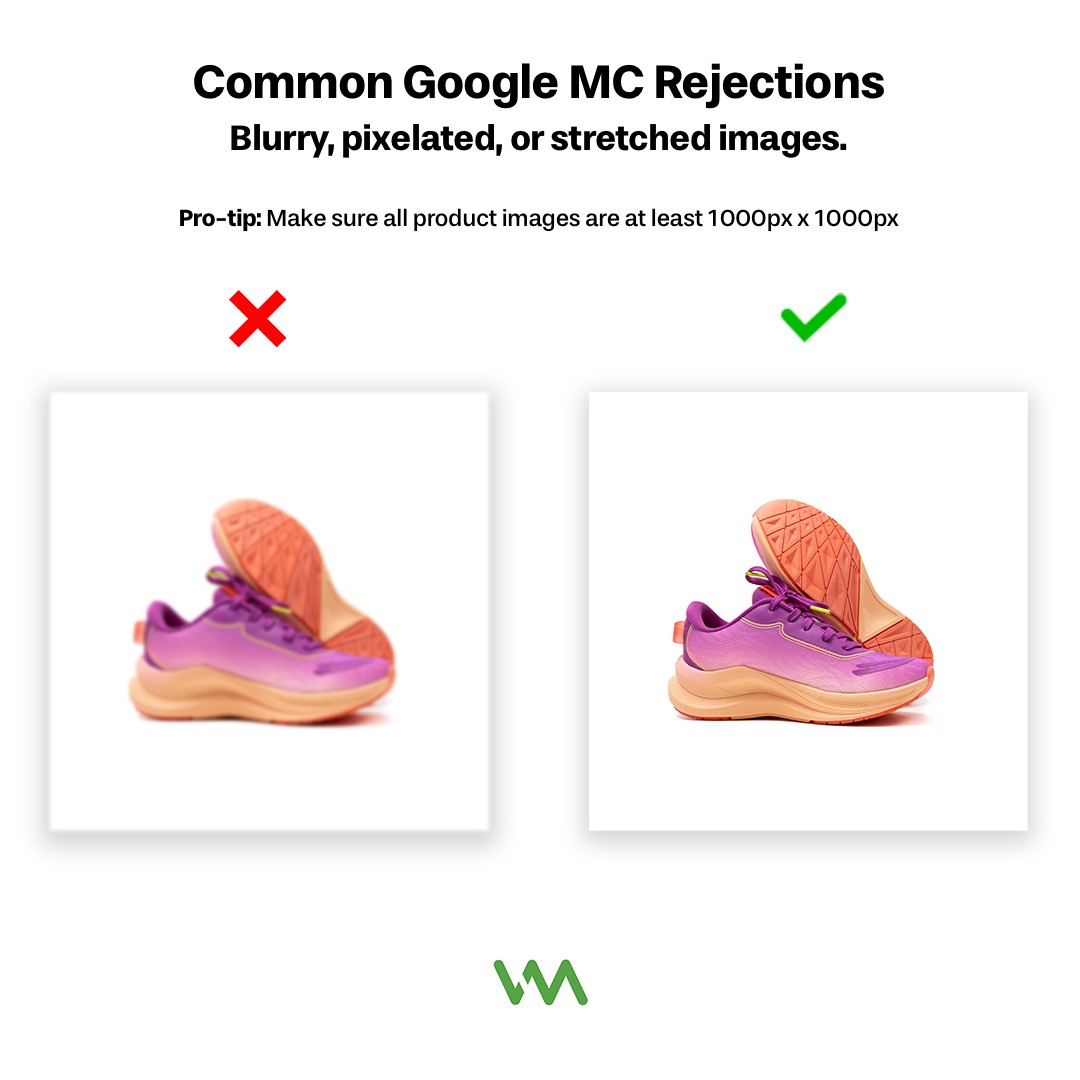
Product images are one of the top reasons for disapprovals, and for good reason - they're often the first thing a potential customer sees.
Image quality issues are among the most common problems. Google requires images to be at least 100x100 pixels (though we recommend much larger - ideally 800x800 or bigger). Blurry, pixelated, or stretched images will get rejected. Watermarked images are also not allowed, even if they are just your company logo.
Promotional overlays and text will get your products disapproved faster than anything else. This includes text like "FREE SHIPPING," "50% OFF," "NEW," or "SALE" burned into the image. While these might work well on your website, Google wants clean product images without any promotional messaging. The same goes for borders, logos, or watermarks.
There's also the question of lifestyle versus product-only images. For most products, Google prefers images that clearly show the product on a white or neutral background. Lifestyle images (like a model wearing clothing) are acceptable for apparel, but the product needs to be the clear focus. Images where the product is hard to see or takes up less than 75% of the image area may get rejected.
Best practices for product images:
- Use high-resolution images (at least 800x800 pixels)
- Show the entire product on a white or neutral background
- Avoid any text, logos, or promotional messaging on the image
- Make sure the product takes up most of the image space
- Use accurate images that match exactly what the customer will receive
Missing or Incorrect Product Data
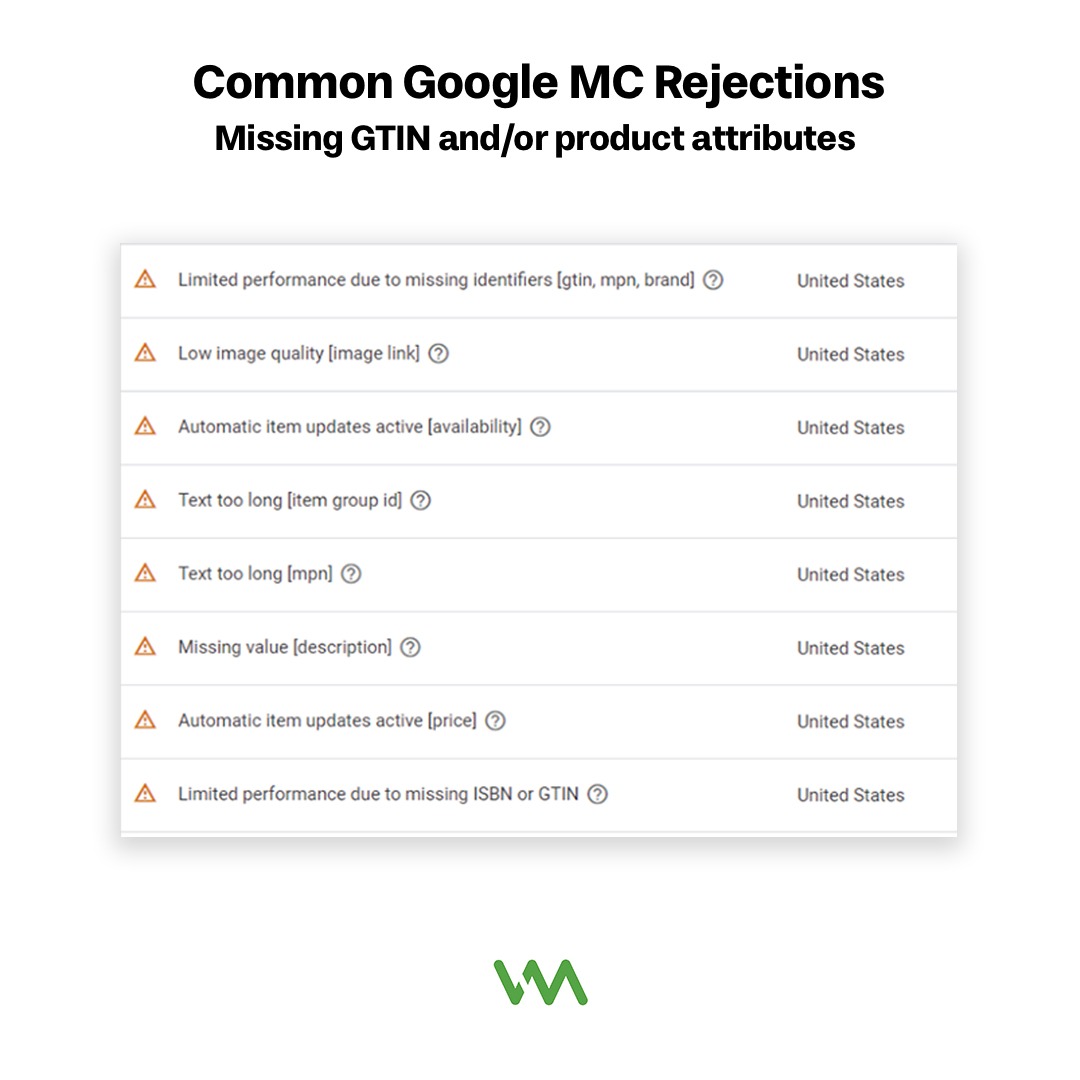
Google needs specific information about each product to show it to the right customers. When that data is missing or incorrect, you'll get disapprovals.
GTINs (Global Trade Item Numbers) - also known as UPCs or barcodes - are required for most brand-name products. If you're selling products that have a barcode, Google expects you to include it. The only exceptions are custom-made products, vintage items, and products from brands that don't use GTINs. If you incorrectly claim your products don't have GTINs when they actually do, you'll face disapprovals.
Brand name mismatches are another frequent issue. The brand you list in your feed needs to match the brand on your product detail page. If you're selling Nike shoes, don't put your store name as the brand. If you're reselling multiple brands, make sure each product has the correct brand assigned.
Missing required attributes will prevent your products from showing. Depending on your product category, Google may require attributes like size, color, age group (adult, teen, infant), or gender. Apparel products, for example, need size and color specified for each variant. These aren't optional fields - if Google says they're required for your category, you need to fill them in.
Price and availability mismatches between your feed and your website are serious violations. If your feed says a product costs $50 but your website shows $65, that's a disapproval. Similarly, if your feed shows a product as "in stock" but customers land on an out-of-stock page, Google will catch it during its automated crawls. Make sure your feed updates regularly to reflect current prices and inventory status.
Policy Violations
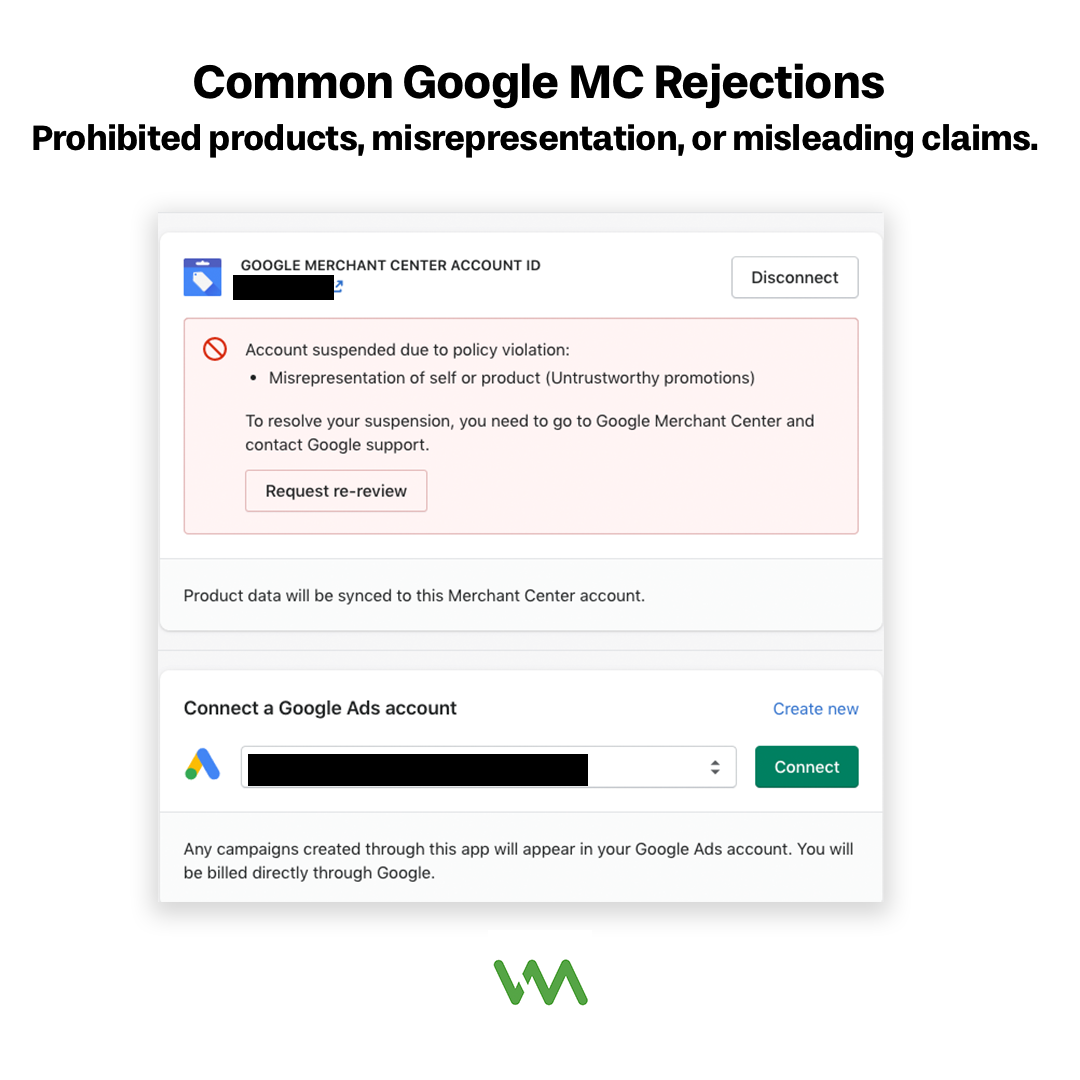
This is where things get a bit more serious. Policy violations can lead not just to product disapprovals, but to account suspensions if they're severe or repeated.
Prohibited products catch many businesses off guard. Google has a long list of products it won't advertise, including weapons, tobacco, drugs, counterfeit goods, and adult content. Some categories are partially restricted - like alcohol, which can only be advertised in certain regions with special certification. Before setting up your feed, review Google's prohibited and restricted content policies to make sure your products are eligible.
Misleading claims in titles or descriptions will get you in trouble. Don't use phrases like "best," "cheapest," or "#1" unless you can back them up with legitimate third-party verification. Don't make health claims that aren't FDA-approved. Don't promise results you can't guarantee. Stick to factual descriptions of what the product actually is and does.
Coupon codes in titles are not allowed. If you offer a discount, that should be handled through Google's promotions feature, not by adding "Use code SAVE10" to your product title. Similarly, don't include your business name or website URL in the title unless it's part of the actual product name.
Before/after claims and health-related products face extra scrutiny. If you're selling supplements, skincare, or fitness products, be very careful about the claims you make. Phrases like "lose 10 pounds in a week" or "cure acne" will trigger disapprovals. Focus on describing the product ingredients and intended use rather than making medical claims.
Website and Landing Page Issues
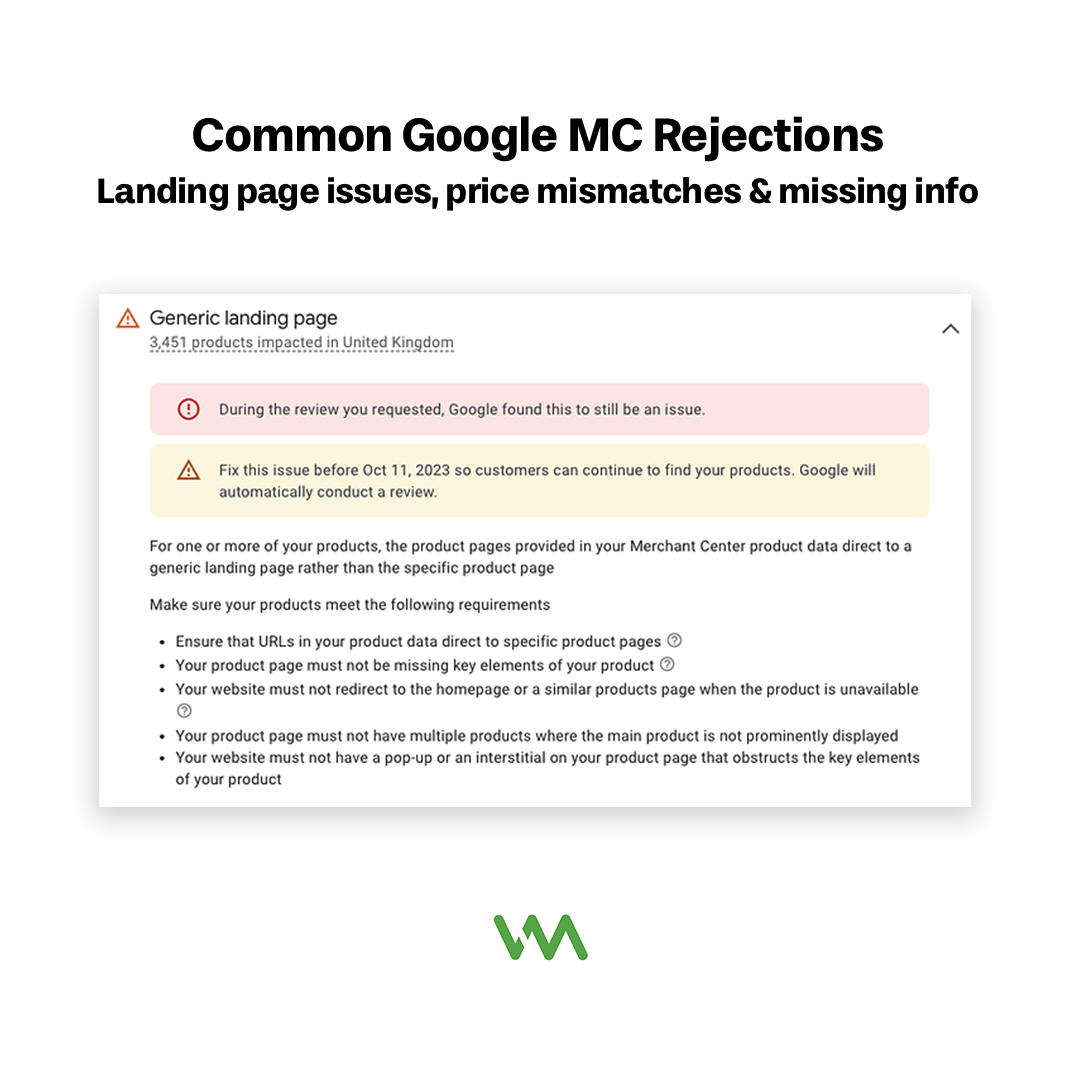
Your product feed might be perfect, but if your landing pages have problems, you'll still face disapprovals.
Landing pages not working or redirecting is an obvious problem. If the URL in your feed leads to a 404 error, a redirect to your homepage, or a page that requires a login, Google will disapprove the product. Every product needs to link directly to a page where customers can view and purchase that specific item.
Price mismatches between feed and website are among the most common disapproval reasons. Google's crawlers regularly check your landing pages to verify that the price in your feed matches what customers actually see. Even small discrepancies (like showing $19.99 in the feed but $20.00 on the site) can trigger disapprovals. Make sure your feed pulls prices directly from your website or that both update simultaneously.
Poor mobile experience matters more than you might think. Google checks whether your landing pages work properly on mobile devices. If your product pages don't load correctly on phones, have tiny text that's hard to read, or make it difficult for mobile users to complete a purchase, you risk disapprovals. With most shopping happening on mobile devices, this is critical.
Missing required information on your website is a frequent problem for newer e-commerce businesses. Google requires that your website has clear contact information (email, phone, or address), a return/refund policy, and secure checkout. If any of these are missing or hard to find, you'll face disapprovals. These requirements aren't just about Google's policies - they're about building trust with customers.
How to Fix and Prevent Rejections
Now that you know what causes disapprovals, let's talk about how to fix them and prevent them from happening in the first place.
When you get a disapproval notification:

- Go to the "Products" section in Merchant Center and filter by "Disapproved"
- Click on the disapproved product to see the specific reason
- Fix the issue in your product feed or on your website (wherever the problem exists)
- If you fixed something on your website, use the "Request Review" button in Merchant Center
- If you updated your feed, the product will be automatically re-reviewed within 3-5 days
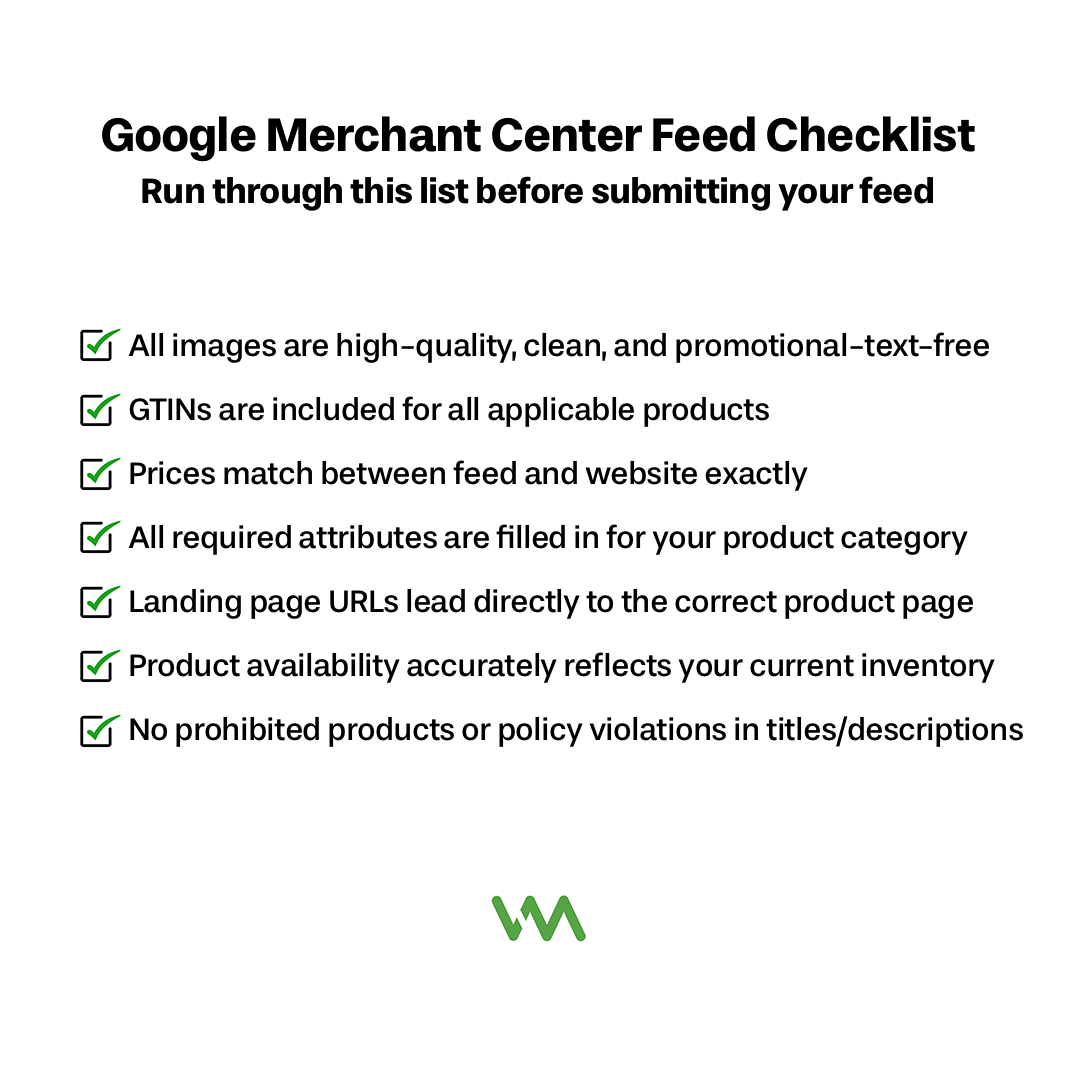
Creating a pre-upload checklist can save you hours of headache:
- All images are high-quality, clean, and promotional-text-free
- GTINs are included for all applicable products
- Prices match between feed and website exactly
- All required attributes are filled in for your product category
- Landing page URLs lead directly to the correct product page
- Product availability accurately reflects your current inventory
- No prohibited products or policy violations in titles/descriptions
What to communicate to your agency: If you work with a marketing agency or use feed management software, make sure they understand your product catalog. Let them know when you have sales or price changes, when products go out of stock, or when you add new inventory. The faster they can update your feed, the fewer disapprovals you'll face.
Setting up automated monitoring is the best long-term solution. Most e-commerce platforms can integrate directly with Merchant Center to push updates automatically. At a minimum, schedule your feed to update daily so that price and inventory changes sync quickly. If you have thousands of products, consider using a feed management tool that can catch errors before they reach Google.
Don't Let Disapprovals Kill Your Revenue
Most Merchant Center rejections are frustrating but fixable. The key is understanding Google's requirements upfront and building your feed properly from the start. Once you nail down your feed quality, disapprovals become rare exceptions rather than constant headaches.
Product disapprovals directly impact your bottom line - every disapproved product is a lost sales opportunity. By investing time in getting your feed right, you'll spend less time fighting with Merchant Center and more time growing your revenue.
If you're struggling with constant disapprovals or want help setting up your Merchant Center account properly from the start, we'd love to help. Schedule a consultation with our team and we'll audit your feed to identify issues before they cost you sales.
